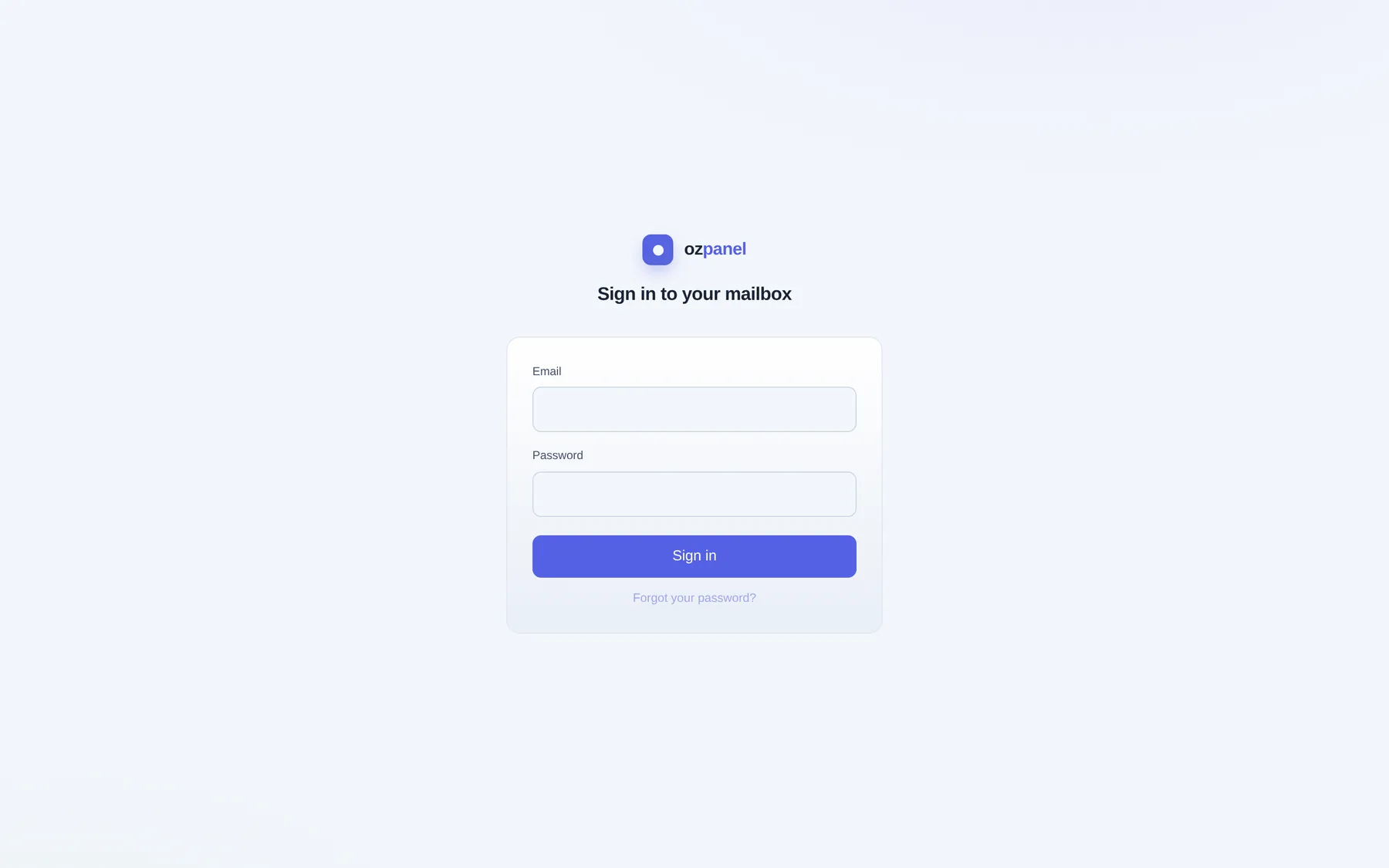
The portal
webmail.example.com per mail domain: sign-in, mailbox app, webmail clients. Generated; DNS record and certificate automatic.
| Path | Serves |
|---|---|
/ | Mailbox app (sign-in when signed out) |
/app?client= | Webmail framed under the app bar |
/roundcube/, /SOGo/ | Roundcube; SOGo mail, calendar, contacts |
/.well-known/caldav, carddav | Redirect to SOGo DAV |
/manifest.webmanifest, /webmail-icon, /sw.js | Branded manifest, icon, push worker |
| Exposure field | Default | Who |
|---|---|---|
host / host_label | on / webmail | tenant |
path / path_prefix | — / /webmail | tenant |
login_scope_strict | Only this domain's mailboxes | tenant |
PUT /domains/{domain}/support-services/roundcube|sogo. Auto opt-in when mail is enabled. Only healthy clients mounted. Operator: Support services panel (install, reconfigure, verify, DB account migrate, password rotate).
Single sign-on
One sign-in at the portal. Clients open signed in. Panel never holds the plain password.
| Client | Mechanism |
|---|---|
| Roundcube | One-time token (90 s, single use cluster-wide, hash stored, redeem key on loopback) → Dovecot master user |
| SOGo | OpenID Connect; panel is the IdP (/oauth/*); mail over XOAUTH2 |
- SessionHost-only, HttpOnly, Secure, SameSite=Lax cookie. 30 days, sliding. One mailbox per session.
- 2FATOTP and recovery codes.
- SOGo limitOne IdP host per node: SSO into SOGo for one webmail domain per node. Others: Roundcube.
- Hand-off
POST /mail/me/webmail-handoff: one-time 90 s link from another console. - Not availableSeveral mailboxes in one session.
The mailbox app
Installable PWA at the portal root. Phone-ready, light and dark. Deep link /?open=<view>.
| Screen | Offers |
|---|---|
| Overview | Status, storage vs quota, send limit and usage, 30-day activity, filtering, sign-ins, deliverability card, diagnostics |
| Default webmail, signed in | |
| Rules | Filters, forward, vacation (shared Sieve) |
| Spam & held | Strictness, allow/block, held mail release/delete |
| Import & sync | IMAP import, once or continuous |
| Notifications | Feed, delivery preferences, push devices |
| Security | Password, 2FA, sessions, connected apps, app passwords, access tokens, API keys |
| Settings | Default client, new-mail sound |
| Install app | Install steps, QR code (address only) |
Routes for this area: API reference → route tables.

Branding
Per mail domain, tenant. Manifest and icon built per requesting host.
PUT /mail/domains/example.com/branding {"app_name":"Example Mail","short_name":"Example",
  "theme_color":"#2C6E8F","bg_color":"#0D1216","default_sound":"chime"}
POST /mail/domains/example.com/branding/logo     # body = PNG, SVG or JPEG, ≤512 KB
| Field | Rule | Default |
|---|---|---|
app_name | ≤64 | short name + "Mail" |
short_name | ≤24 | Domain's first label, capitalised |
theme_color, bg_color | #RRGGBB | #2C6E8F, #0D1216 |
default_sound | default, chime, bell, none | default |
| Logo | square | Shipped icon |
Empty field = default. Operator consoles not branded per domain.
Web Push
Open standard, own keys, no third-party account. RFC 8291 encryption, RFC 8292 VAPID.
- KeysOne P-256 pair per cluster, private key encrypted. Generated automatically. No rotation (would void subscriptions).
- SubscribeNotifications → Allow.
GET/POST /mail/me/push/subscriptions,DELETE …/{id}. One per browser per device. - Expired404/410 deleted; network errors retried.
- Payload"New mail", sender and subject, opens
/?open=mail. High urgency, TTL 4 weeks, domain logo. No body. - Test
POST /mail/me/push/test: attempted, sent, pruned. - NoticesSame channel: held, rejected, bounced mail, limits, forwards.
- Sound
PUT /mail/me/sound {"theme":"bell"}; mailbox → domain → default. - Not availableOpen-the-exact-message click · per-rule notifications · sound on push while open.
Detection (PUT /mail/push/trigger, operator, per node) | Behaviour |
|---|---|
sieve (default) | Global Sieve on every delivery, any folder |
dovecot | Push plugin + Lua, Inbox only |
off | No new-mail push |
| Platform | Install | Push |
|---|---|---|
| iPhone, iPad | Safari → Share → Add to Home Screen | iOS 16.4+, home-screen app only |
| Android Chrome | Install button or menu | Allow when asked |
| Desktop Chrome, Edge | Address-bar icon or menu | Browser running |
Service worker handles push only; no offline cache.
Notifications and alerts
| Feature | Call | Who |
|---|---|---|
| Feed | GET /me/notifications, POST /me/notifications/read. Read mail notices kept 30 days. | everyone, own scope |
| Delivery preferences | GET/PUT /me/notifications/settings per class: panel (on), email (off), push (off) | everyone |
| Operator push | POST /notify/push/subscribe, GET /notify/push, /notify/push/test. 15 min cooldown per event. | operator |
| Sound / push thresholds | PUT /realtime/alerts/policy {"sound_min_priority":"warn","push_min_priority":"error"} | operator |
| Alert levels | GET/PUT/DELETE /notify/thresholds: threshold, deviation_pct, disabled | operator |
Priorities: info · warn · error · crit. Channels: panel, email, Web Push.