Settings
| Box / button | What it does |
|---|---|
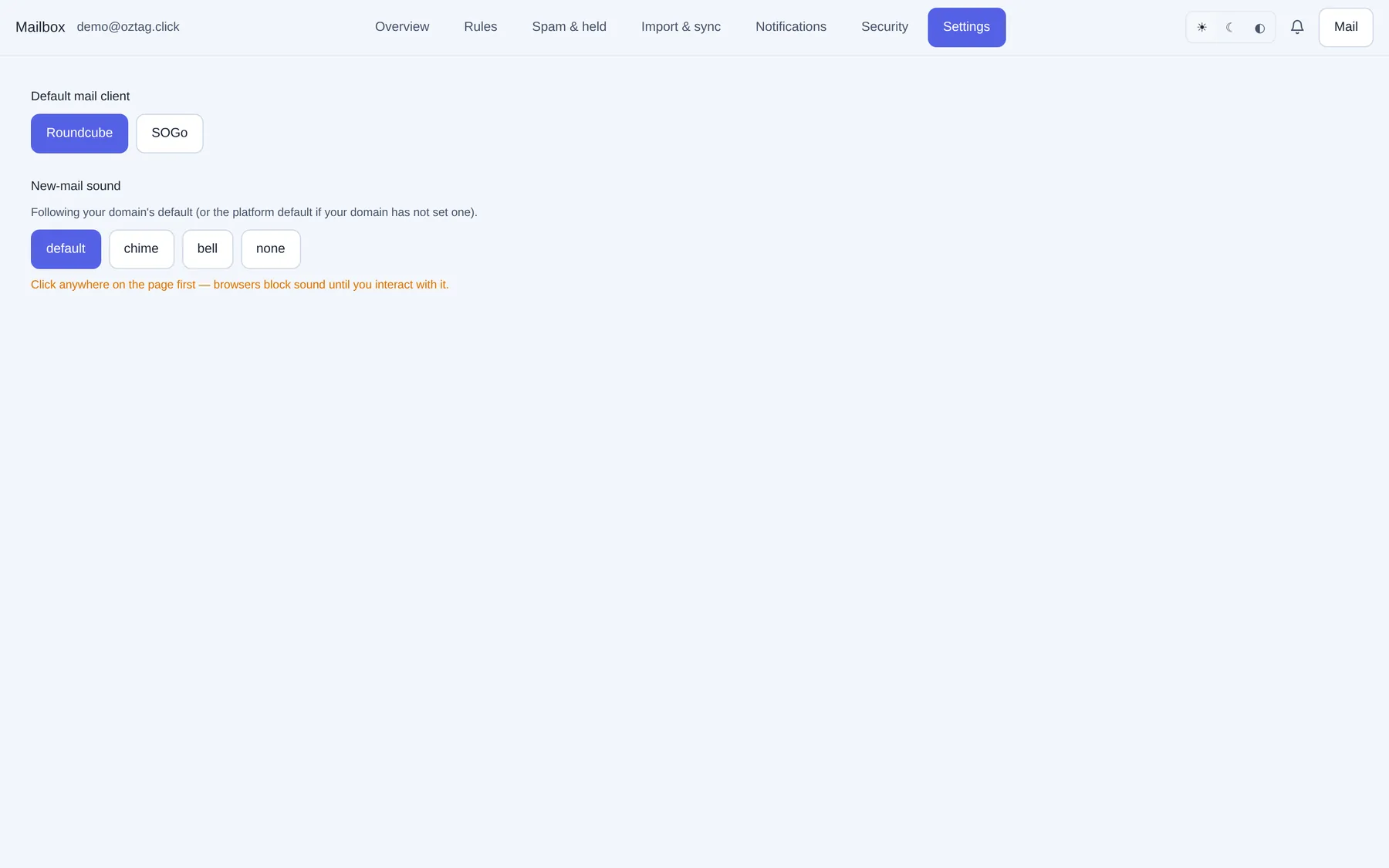
| Default mail client | Roundcube or SOGo. Opens when you press Mail. |
| New-mail sound | default, chime, bell, none. Plays a sample. Until you pick: your domain's default. |
| Follow domain default | Shown after you pick. Back to the domain's sound. |
Browsers block sound until you click the page once.
Webmail
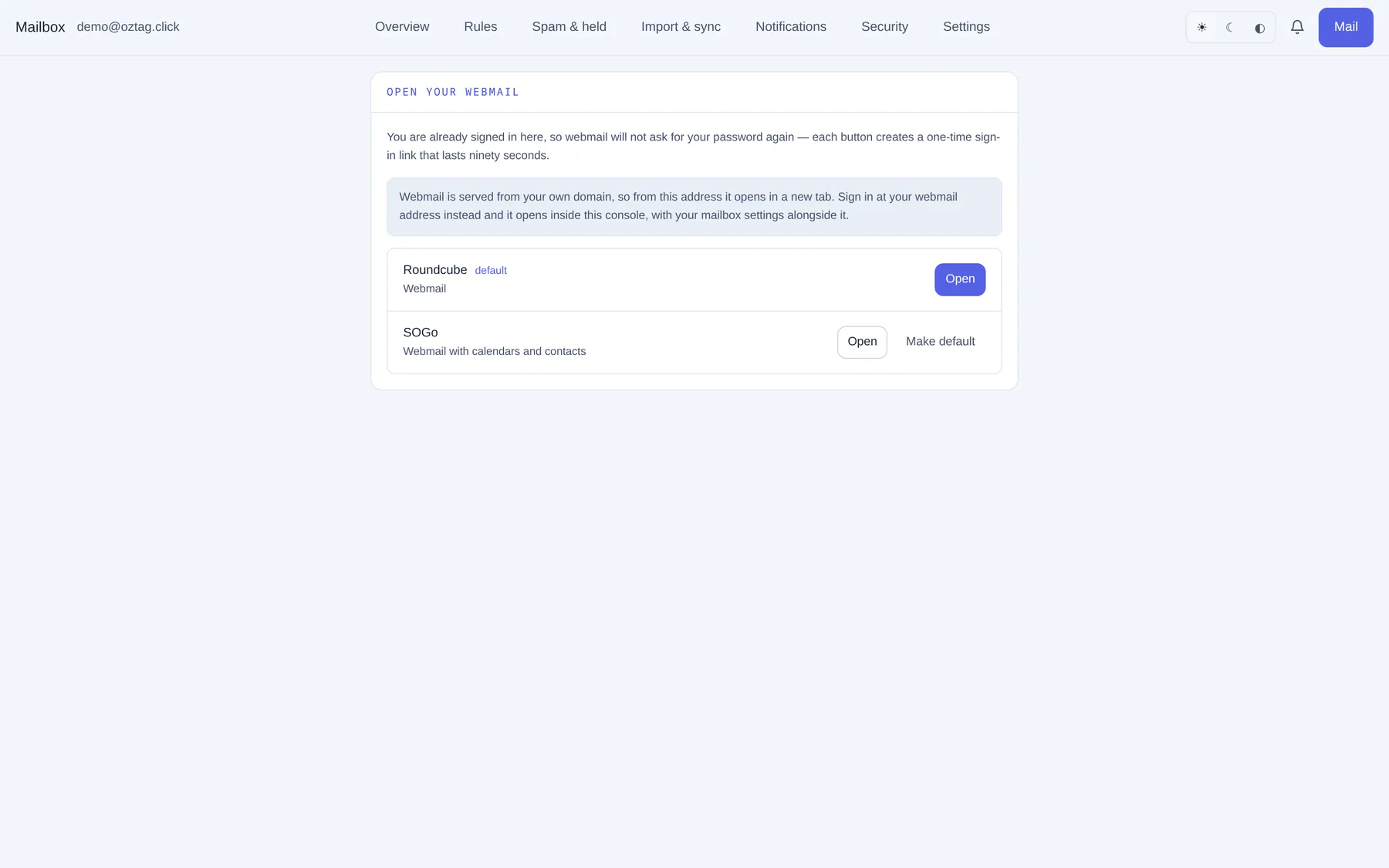
Mail at the top right. No second password: each button makes a one-time sign-in link, valid ninety seconds.
| Box / button | What it does |
|---|---|
| Roundcube | Webmail. default marks yours. |
| SOGo | Webmail with calendars and contacts. |
| Open | Opens it. Inside this console at your webmail address; elsewhere in a new tab. |
| Make default | Sets it as your default client. |
| Box / button | What it does |
|---|---|
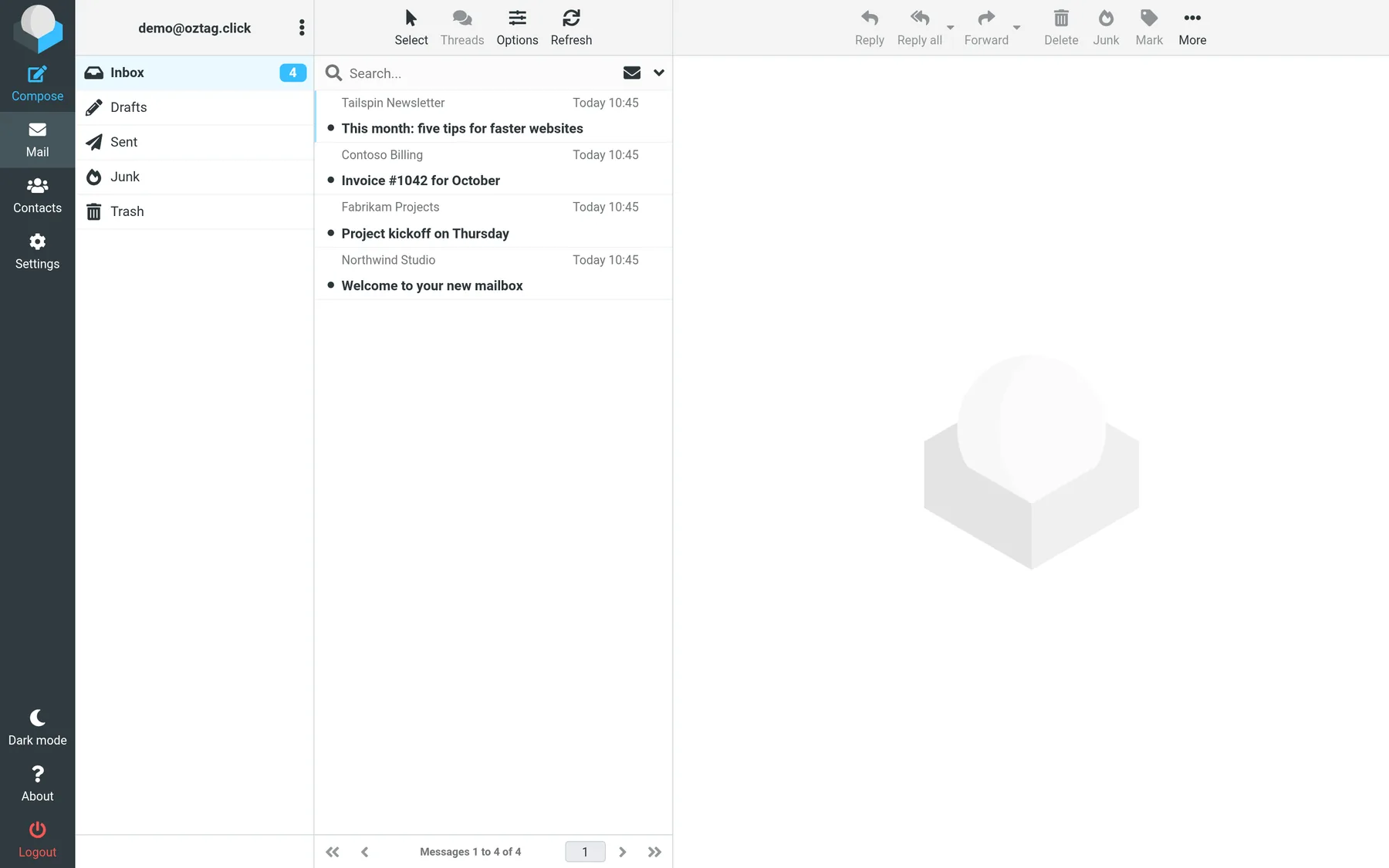
| Compose | New message. |
| Inbox · Drafts · Sent · Junk · Trash | Your folders. Moving into Junk teaches the spam filter. |
| Contacts · Settings | Roundcube's own. |
| Reply · Reply all · Forward · Delete · Junk · Mark · More | Act on the selected message. |
| Logout | Leaves webmail. |