Mail rules
Run in order on every message. Saving replaces the whole set.
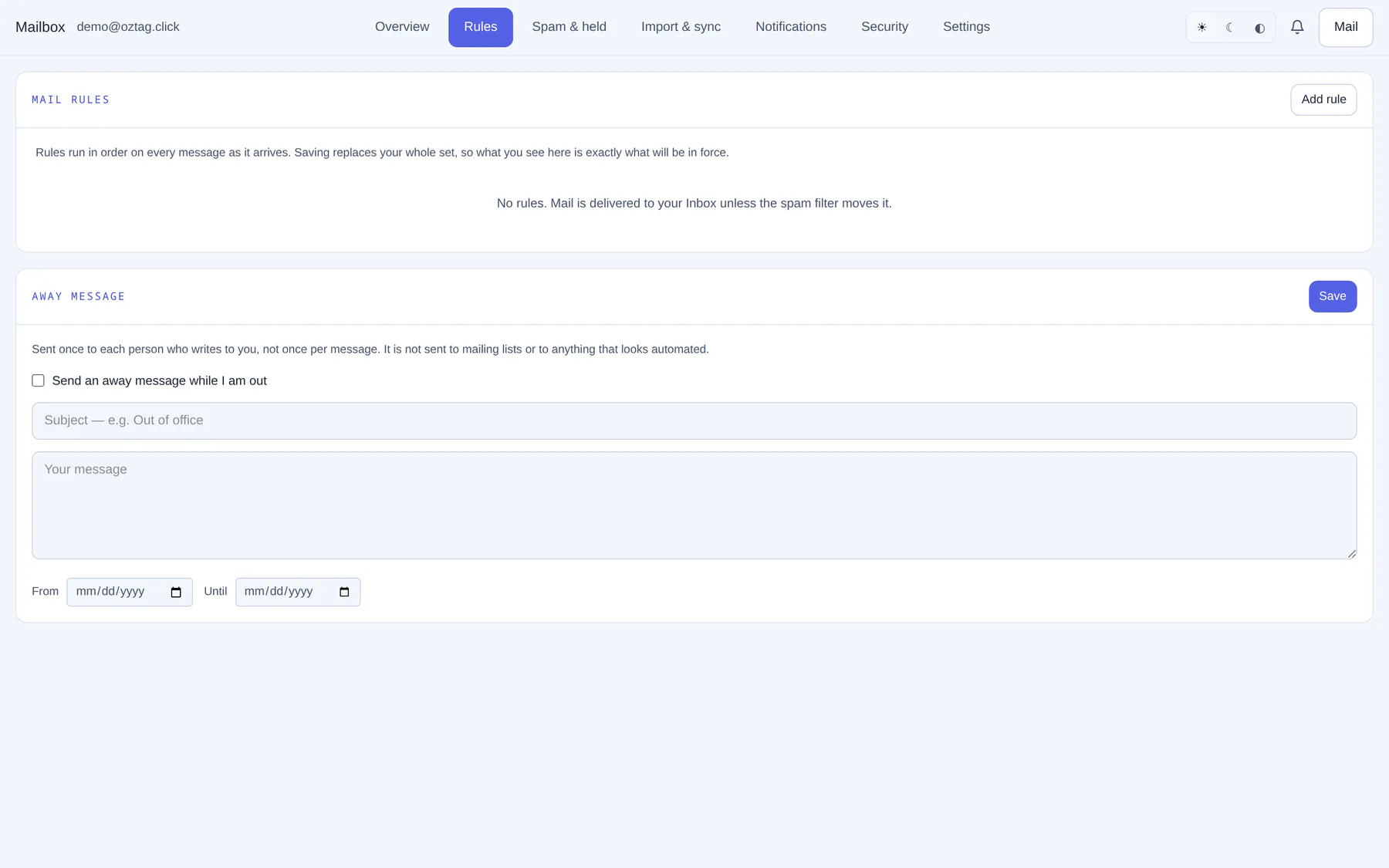
| Box / button | What it does |
|---|---|
| Add rule | A new row. |
| Rule name (optional) | Yours, to recognise it. |
| If | From, To, Subject or Cc. |
| contains · is exactly · begins with · ends with | How to compare. |
| value | The text, e.g. invoice. |
| then | Move to folder · Delete it · Keep in Inbox. |
| folder name | For Move to folder, e.g. Invoices. |
| Stop processing further rules if this one matches | Later rules skip this message. |
| remove | Deletes the row. |
| Save rules · Discard | Apply all, or drop edits. |
No rules: mail goes to the Inbox unless the spam filter moves it.
Away message
| Box / button | What it does |
|---|---|
| Send an away message while I am out | On/off. |
| Subject | e.g. Out of office. |
| Your message | The reply text. |
| From · Until | Optional dates. |
| Save | Applies. Sent once per sender. Not to lists or automated mail. |
Previous: Mailbox: sign in and overview Next: Mailbox: spam and held