What the filter did with your mail
Every message is scored as it arrives. Low: delivered. Higher: Junk. Worst: refused.
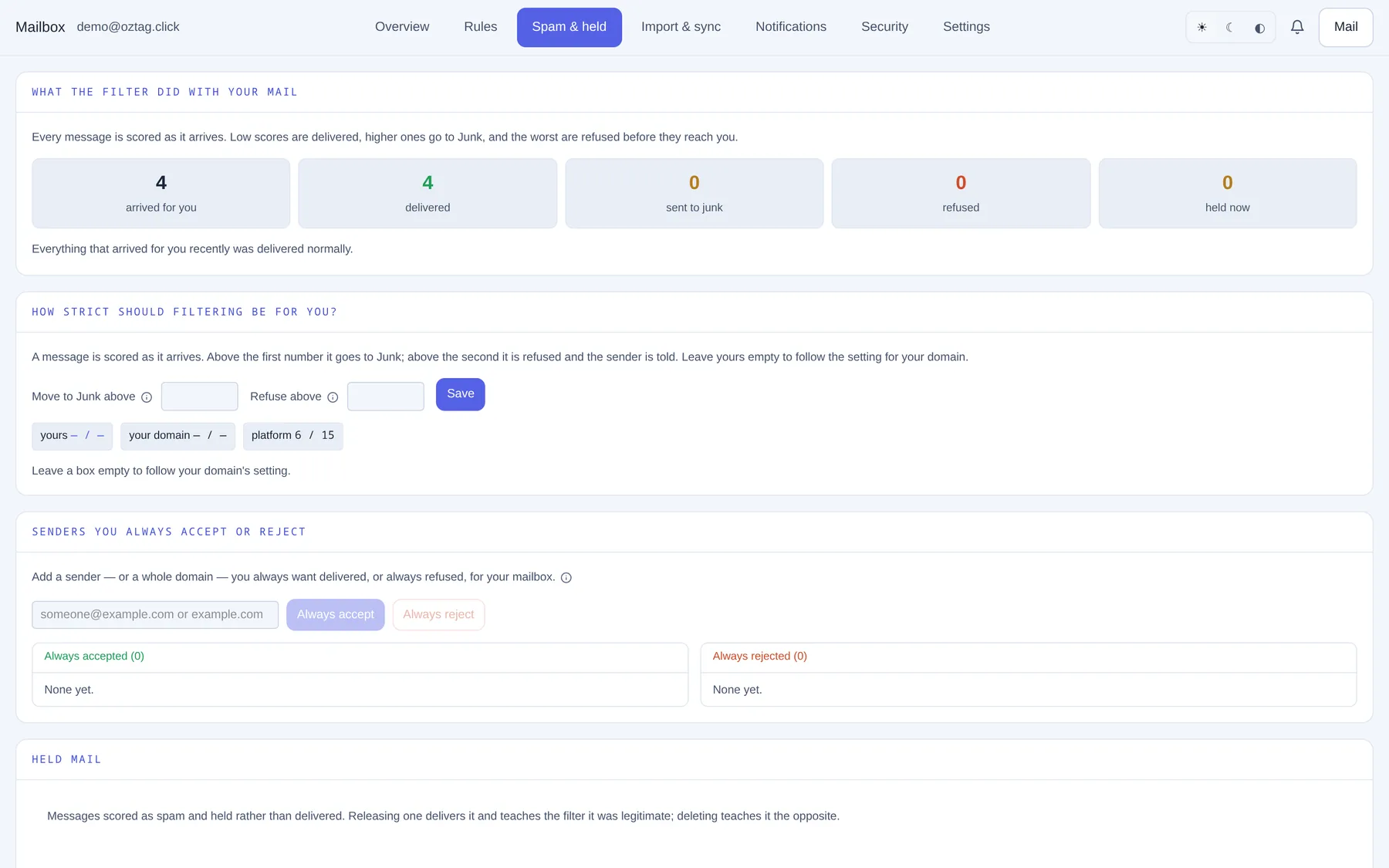
| Box / button | What it does |
|---|---|
| arrived for you · delivered · sent to junk · refused · held now | Recent counts. |
How strict should filtering be for you?
| Box / button | What it does |
|---|---|
| Move to Junk above | Score above which mail goes to Junk. Typical 6. Lower catches more. |
| Refuse above | Score above which mail is refused and the sender told. Keep it well above Junk. |
| Save · Discard | Apply or drop. |
| yours · your domain · platform | The levels in force, Junk / Refuse. Yours wins when set. |
Leave a box empty to follow your domain.
Senders you always accept or reject
| Box / button | What it does |
|---|---|
| Address box | someone@example.com or a whole example.com. |
| Always accept | Never spam for you. The fix for a supplier stuck in Junk. |
| Always reject | Refused outright. |
| Always accepted · Always rejected | Your two lists. Remove on each entry. Your mailbox only. |
Held mail
| Box / button | What it does |
|---|---|
| From · Subject · Why · Held | Each held message. |
| Deliver | Delivers it. Teaches the filter: not spam. |
| Delete | Removes it. Teaches the filter: spam. |
Moving mail into Junk, or out of it, in your mail app teaches the filter too.
Previous: Mailbox: rules and away message Next: Mailbox: import and sync