The sign-in page
Title: Sign in · Your hosting account. Open your panel address in any browser. Phone works too.

| Box / button | What it does |
|---|---|
The address your provider gave you, e.g. you@example.com. | |
| Password | Your account password. |
| Sign in | Checks both. Wrong pair: That email address and password did not match. |
| Code | Only if two-factor is on. The six-digit code from your authenticator app. A recovery code works here too. |
| Confirm code | Sends the code. Then you are in. |
| Forgot your password? | Sends a reset link to that address, if it has an account. The page never says whether it does. |
Signed in with a mailbox address? You get the mailbox console, not this one.
The bar at the top
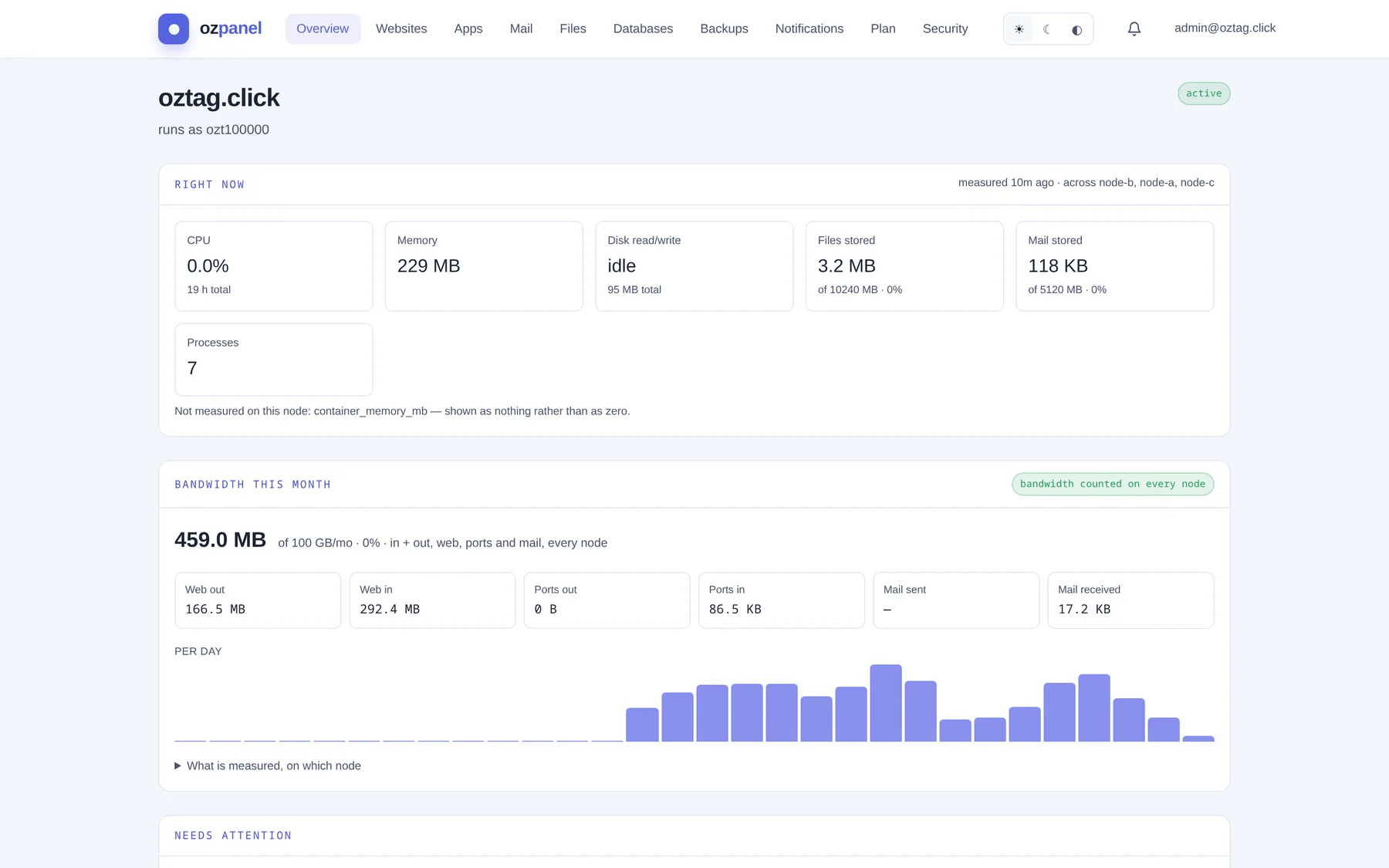
| Box / button | What it does |
|---|---|
| Overview · Websites · Apps · Mail · Files · Databases · Backups · Notifications · Plan · Security | The ten sections. One page each in this guide. |
| ☀ ☾ ◐ | Light, dark, or follow the device. |
| Bell | New notices. Opens the latest; see Notifications. |
| Your address | Who is signed in. |
| Sign out | Ends this session. Other devices stay signed in; end those under Security. |
| Back to your account | Shown instead of Sign out when your provider has opened your account for you. Returns them to their own console. |
| ≡ (phone) | The menu on a narrow screen. Same sections, plus theme and your address. |
“Pick an account”
Seen only by provider staff who sign in without choosing a customer first. A customer never sees it.