Import & sync other mail accounts
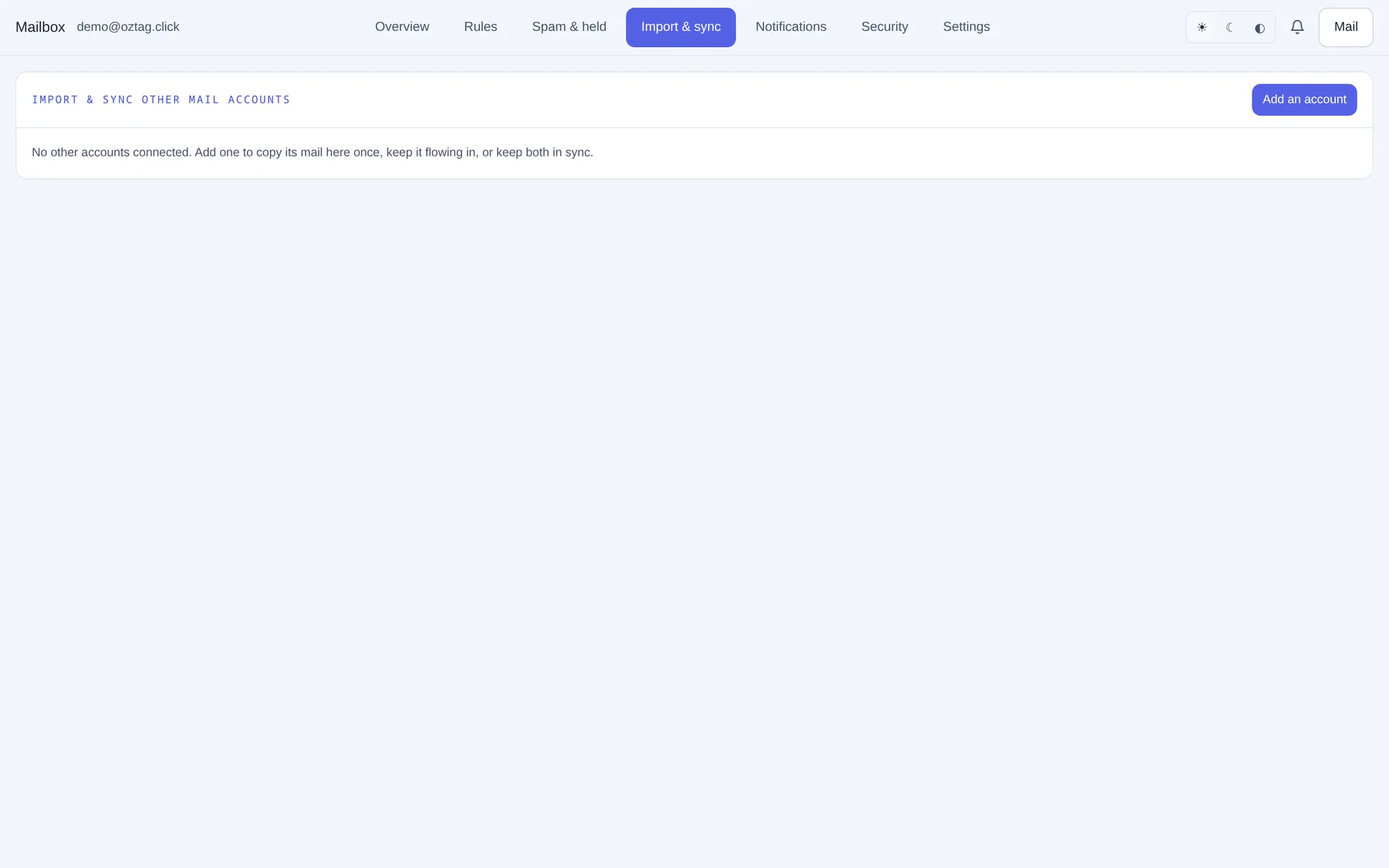
| Box / button | What it does |
|---|---|
| Add an account | Opens the form. |
| Other account's IMAP server | e.g. imap.gmail.com. |
| Port | Default 993 (TLS). 143 = STARTTLS. Never unencrypted. |
| Login | The other account's address or username. |
| Password (Gmail/Outlook: an app password) | The other account's password. |
| One-time copy | Everything once, then stops. Nothing deleted. |
| Keep in sync (one-way) | New mail and read/flag changes keep flowing in. Nothing deleted, anywhere. |
| Two-way sync | Both accounts mirror each other. Deleting here deletes there. |
| Check every (minutes, 5–1440) | Sync modes. Default 15. |
| Scan incoming mail for spam | Copied mail checked with your own spam level. Spam to Junk. |
| The other account's spam folder | Empty: found for you. |
| Connect · Cancel | Start, or close the form. |
Once connected
| Box / button | What it does |
|---|---|
| Mode · every N min · status | e.g. Keep in sync (one-way), next in 5 min, running on node-b. |
| Copied here · Copied there · Scanned · to Junk | Counts so far. |
| Run now | Runs at once. |
| Pause · Resume | Sync modes. |
| Settings | Mode, interval, spam scan, spam folder, new password for the other account. |
| Log | Last run's output. |
| Cancel | Stops it. Copied mail stays, here and there. |
| Delete | After cancelling. Removes the connection and its saved password. |
A run interrupted on one node resumes on another.
Previous: Mailbox: spam and held Next: Mailbox: notifications and the app